Up to 8 Reference Images
Use multiple images as source material for products, people, backgrounds, props, textures, and style references.
Combine multiple reference images into a cohesive custom composition with simple prompts.
4/8 ready
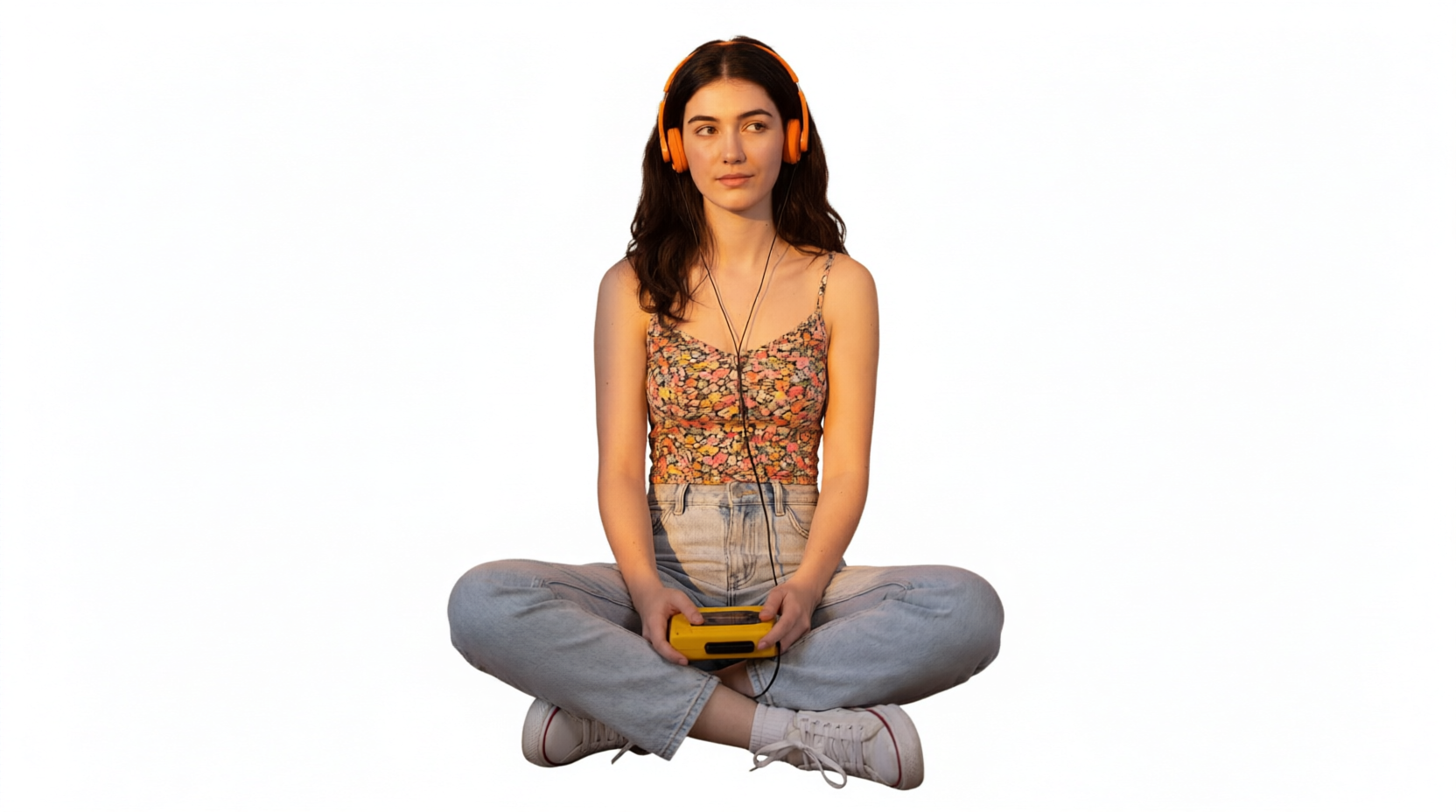
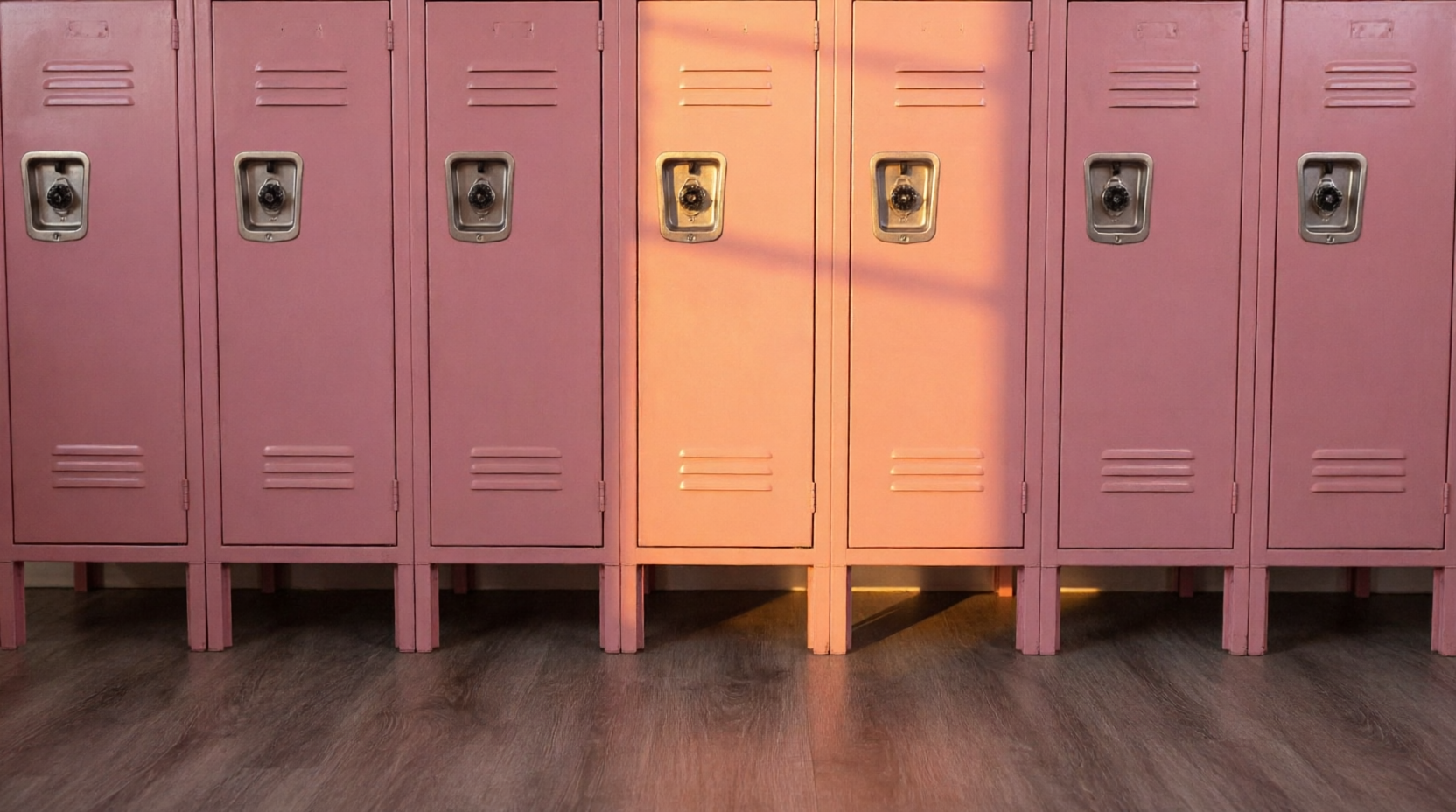
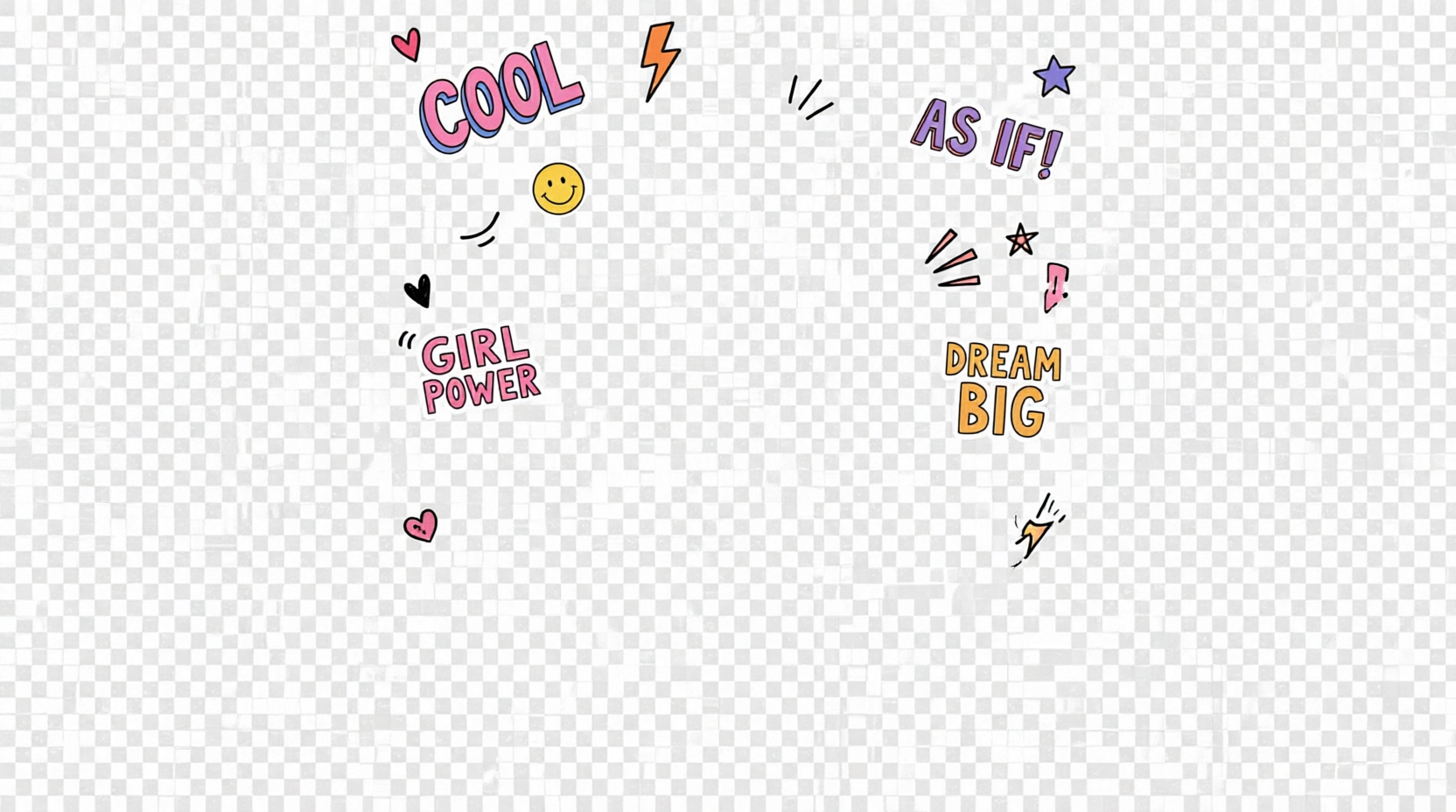
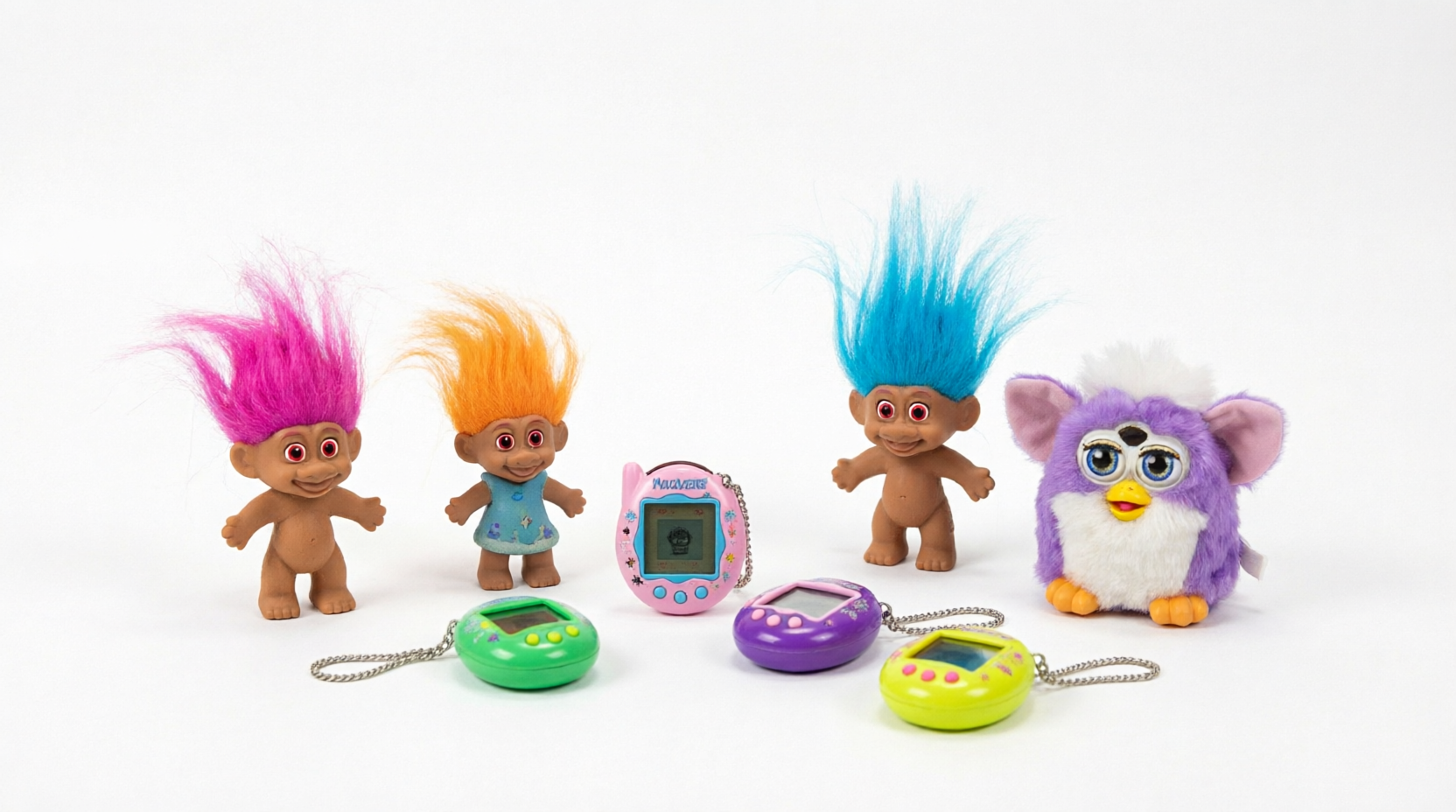
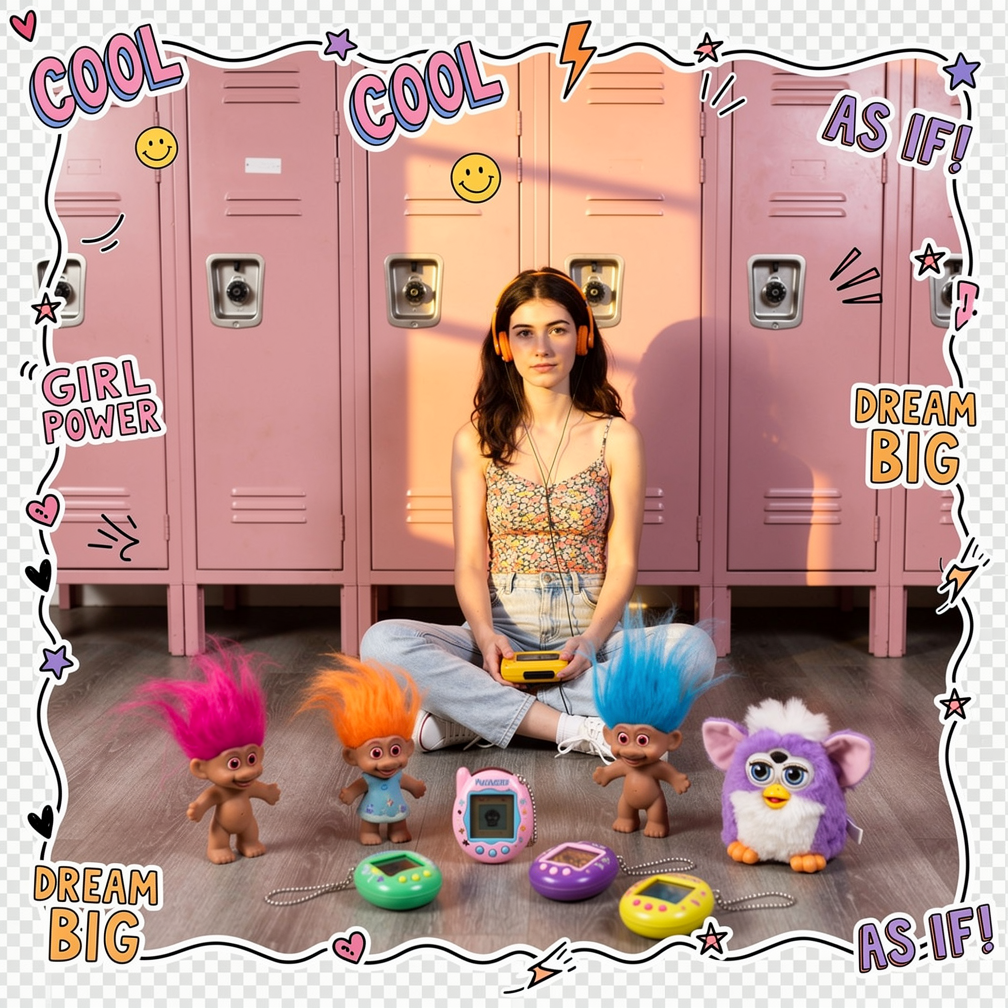
AI image merge
Pixae image merge is built for creators, marketers, product teams, and designers who need more control than a single reference image can provide. Upload up to 8 images, assign each one a role in your prompt, and guide Pixae to combine subjects, products, scenes, textures, outfits, lighting, and visual style into one coherent final image.
Control composition with multiple references and clear prompt direction
Use multiple images as source material for products, people, backgrounds, props, textures, and style references.
Refer to image 1, image 2, and other uploads directly in your prompt to control what each source contributes.
Merge subjects into a scene, transfer product details, combine outfits, or build a campaign visual from references.
Ask Pixae to preserve brand colors, match lighting, align perspective, or blend references into a consistent look.
Upload, arrange inputs, write a prompt, generate, and download from a single focused workspace.
Image merge appears as its own workflow in Pixae credit activity, so usage is easy to understand.
Three steps to blend multiple references into one image
Add 2 to 8 JPG, PNG, or WebP images. Each upload becomes a numbered reference in the workspace.
Explain which subject, background, or style comes from each image. Pixae merges the references into one coherent result.
Review the composition and download the final image for your creative or production workflow.
Create controlled composites for products, campaigns, design, and storytelling
Place a product from one image into a lifestyle or studio background.
Combine people, clothing, accessories, and styling references.
Blend products, colors, props, and scene direction into campaign visuals.
Merge furniture, decor, materials, and room references.
Combine poses, outfits, accessories, and visual styles.
Build composition drafts from multiple source assets.
Create thumbnails and posts with stronger visual direction.
Test ideas by combining references before a full shoot or design pass.
Pixae image merge is designed around precise prompt control. Instead of uploading one image and hoping the model infers your intent, you can provide multiple visual references and explain how each should be used. This makes it easier to preserve product identity, guide composition, match a background, and control the final image with practical creative direction.
8
Max Images
1
Final Result
5
Aspect Ratios
AI
Image Merge
Everything you need to know about Pixae image merge
AI image merge combines multiple uploaded images into one new image. You can use each input as a reference for a subject, background, product, style, texture, or detail.
Pixae image merge supports up to 8 images. For best control, upload only the references that matter and describe each one clearly in the prompt.
Refer to numbered inputs directly, such as "use the product from image 1, the room from image 2, and the color palette from image 3." Clear roles usually produce better merges.
Yes. Image merge is useful for placing products into scenes, testing campaign concepts, creating ad mockups, and combining product details with realistic environments.
Pixae follows your references and prompt, but the result is a generated composition. Use precise instructions for logos, colors, perspective, placement, and details you want preserved.
The workspace supports common image formats including JPG, PNG, and WebP, with each upload limited to 10MB.